Connect Linear
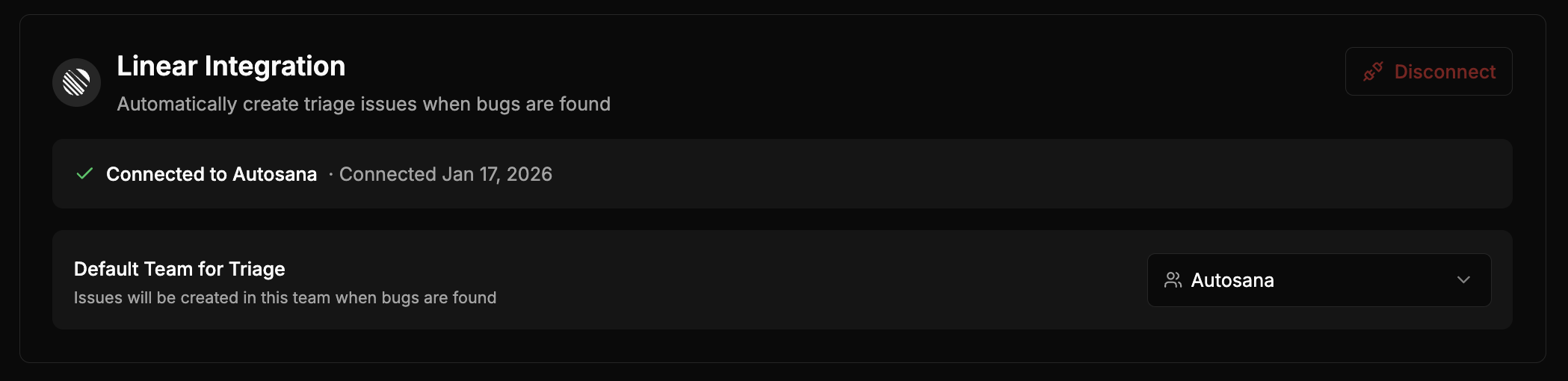
You must be an Autosana workspace admin or owner to install and configure Linear.- Go to Settings > Integrations > Linear
- Click Connect Linear
- Authorize Autosana to access your Linear workspace
- Select the default team for new tickets
Automatic Linear tickets remain unavailable until the default team is set and
webhook delivery is verified. Reconnect Linear if the settings card reports
that the installation needs new webhook permissions.
Review and create tickets
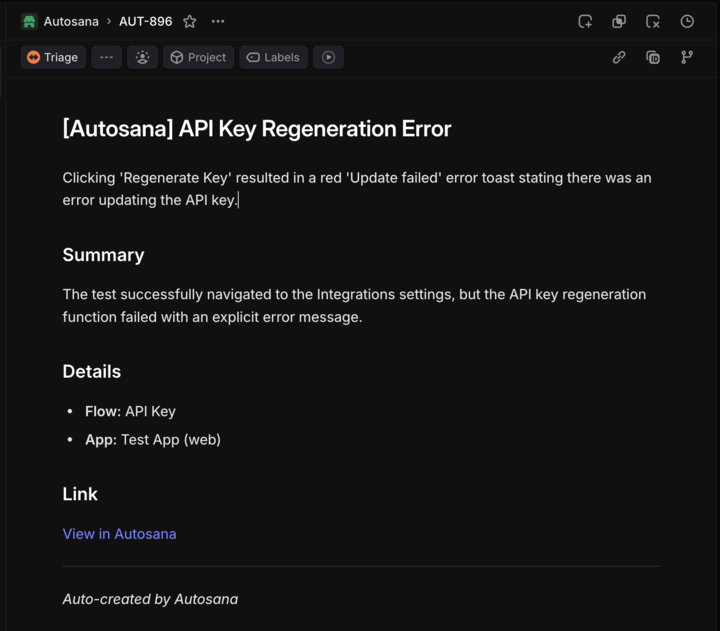
Select Create ticket on an issue group or an individual flow-run issue. The shared review dialog lets you choose Jira or Linear, select the destination team, and edit the title and description before submitting. Autosana displays the Linear key after creation and keeps completed and failed attempts in ticket history. One issue group can have only one current external ticket. When an issue returns after its Linear ticket was completed, the dialog offers a linked regression and reuses the previous team while it remains available.Automatic tickets
Automatic creation is Off for new connections. Workspace admins can choose one provider under Settings > Integrations: Off, Jira, or Linear. During migration, an eligible existing Linear connection with a configured default team preserves its prior automatic behavior. When Linear is selected, Autosana creates at most one current ticket for each new critical issue group. Other issue groups remain available for manual review. Issues marked Don’t show again never create automatic tickets.Webhook health
Linear webhooks keep ticket status synchronized with Autosana. The integration settings show webhook health, the latest delivery, and whether reconnection is required. Autosana reconciles stale status in the background when a delivery is missed. If webhook health is degraded, manual creation may remain available, but automatic Linear creation stays blocked until delivery is verified.Example issue